
Home office lighting ideas work best when they reduce glare, support your eyes for long sessions, and keep your space feeling “awake” without turning it into a harsh spotlight. If you feel tired at 2 p.m., squint at your monitor, or keep moving your laptop to dodge reflections, it’s usually a lighting setup issue, not just willpower.
Lighting affects productivity in a quiet way, you notice it only when it’s wrong, headaches, flat mood, blurry focus, bad video calls, the works. The good news is most fixes are practical: a better lamp position, the right bulb, and a simple plan for daytime versus evening.
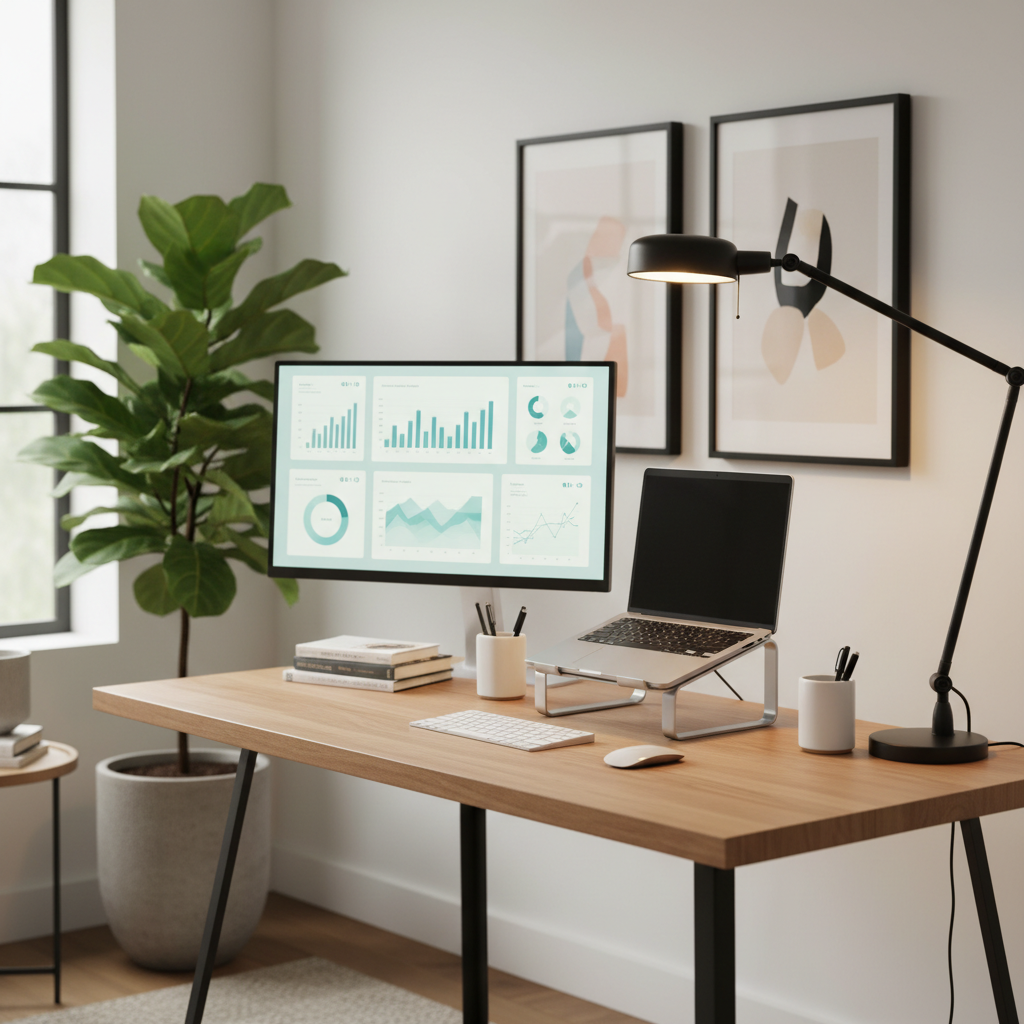
Below is a realistic way to think about home office lighting: you want layered light, not one “main” bulb doing everything. We’ll walk through common causes, a quick self-check, and setups that work for different rooms and schedules, plus a table you can use to choose bulbs and color temperature without guessing.
Why your current lighting slows you down (even if it seems “fine”)
Many home offices inherit whatever lighting the room had before. That usually means a ceiling fixture meant for general living, not computer work. A few patterns show up again and again.
- Screen glare from overhead lights or a window behind you, reflections force your eyes to constantly re-focus.
- High contrast between a bright monitor and a dim room, your eyes work harder to adapt.
- Wrong color temperature, very warm light can feel sleepy for focus work, very cool light can feel sterile or uncomfortable in the evening.
- Shadows on the keyboard or notebook, common when the only light source sits behind your head.
- Flicker or low-quality bulbs, some LEDs can cause fatigue for sensitive people, even if you can’t “see” the flicker.
According to the Illuminating Engineering Society (IES), good lighting design emphasizes appropriate light levels and glare control for visual comfort. In plain English, it’s not about “brighter is better”, it’s about the right light, in the right place.
A quick self-check: what kind of lighting problem do you actually have?
Before buying anything, run this fast diagnostic. The goal is to identify the bottleneck, not to overhaul your whole room.
- You get headaches or eye strain: likely glare, high contrast, or flicker, start with lamp placement and bulb quality.
- You feel sleepy mid-day: often too warm or too dim during work hours, consider cooler/neutral light for daytime.
- Video calls look unflattering: light comes from above or behind, add a front-facing soft light.
- Reading paper notes is annoying: not enough task lighting, you need a dedicated desk lamp.
- You work nights: you need a plan that supports focus without blasting your eyes with cool light at 10 p.m.
If you only fix one thing, fix glare first, it’s the most common productivity killer in home setups.
Build a layered setup: ambient + task + screen-friendly light
The most reliable home office lighting ideas work because they use layers. Each layer does one job, and you adjust them depending on the task.
1) Ambient lighting (room light)
This is your baseline. It should keep the room from feeling cave-dark compared to your monitor, but it shouldn’t shine straight into your eyes.
- Prefer diffuse sources: shaded floor lamps, indirect uplighting, or a ceiling fixture with a diffuser.
- Avoid bare bulbs in your field of view, they create harsh brightness and reflections.
2) Task lighting (desk lamp)
Task light is for the keyboard, notebook, sketchpad, or anything off-screen. An adjustable arm lamp is usually the simplest win.
- Place it to the side of your non-dominant hand to reduce shadows when writing.
- Aim it at the desk surface, not at your monitor.
- Pick a shade or head that controls spill, so it doesn’t blast your eyes.
3) Bias lighting (soft light behind the monitor)
This is the underrated one. A soft LED strip or small lamp behind the monitor reduces contrast between the bright screen and the darker wall, many people feel immediate comfort.
- Keep it subtle, you want a glow on the wall, not a visible hot spot.
- Neutral white is a safe default for most setups.
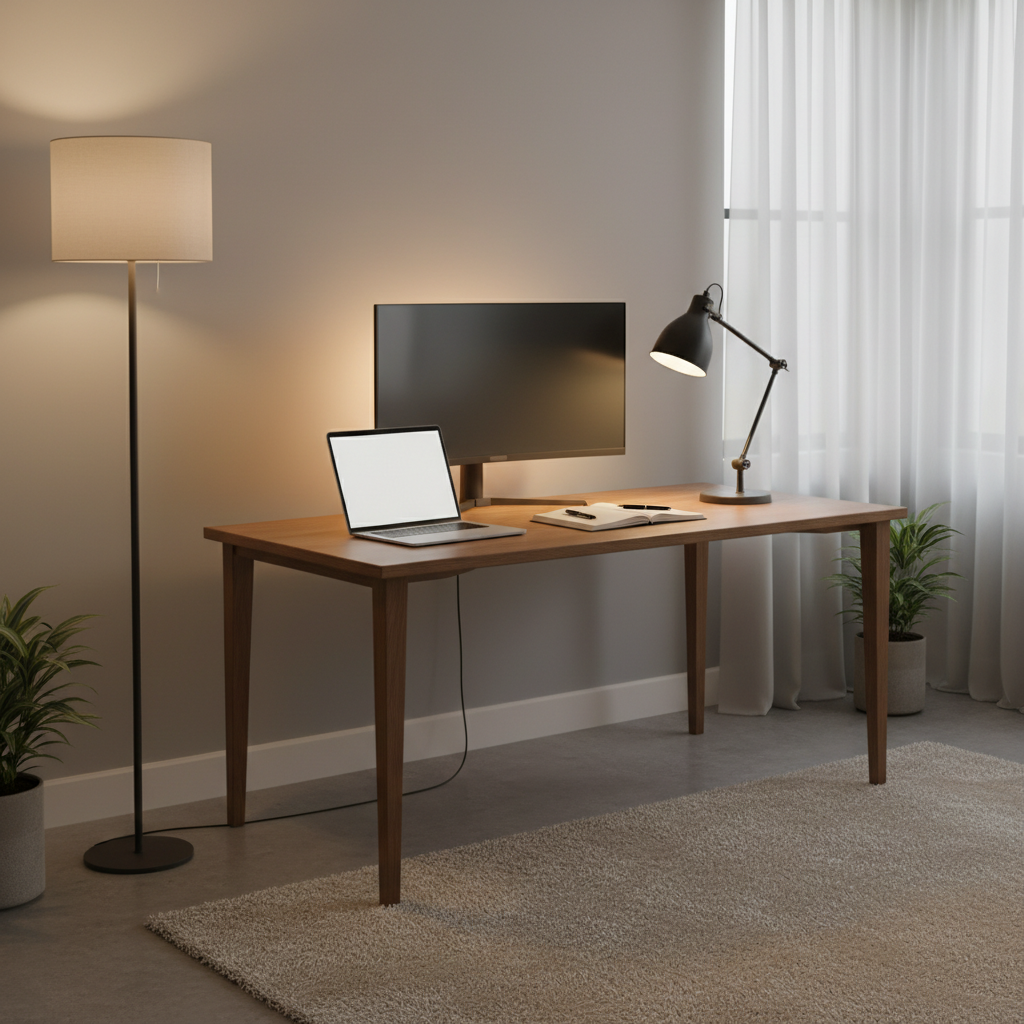
When these three layers are in place, you can fine-tune brightness instead of fighting your room every day. That’s the point, less friction, more “sit down and start working.”
Choose bulbs without overthinking it (color temperature, lumens, CRI)
Bulb packaging can feel like a spreadsheet, but you only need a few concepts.
- Color temperature (Kelvin, K): lower is warmer (more yellow), higher is cooler (more blue).
- Brightness (lumens): how much light you get, not watts.
- CRI: color accuracy, higher usually looks more natural for skin tones and paper.
According to ENERGY STAR, certified LED bulbs meet efficiency and quality requirements, which can be a practical shortcut when you want reliable, low-fuss lighting. If you’re sensitive to eye strain, quality matters more than people expect.
| Use case | Suggested color temp | What it feels like | Notes |
|---|---|---|---|
| Deep focus work (daytime) | 3500K–5000K | Neutral to cool, alert | Good for productivity, adjust down if it feels harsh |
| Mixed work + calls | 3000K–4000K | Balanced | Often the easiest “all-day” choice |
| Evening work | 2700K–3000K | Warm, calmer | May support wind-down, but keep task light bright enough |
| Video calls (face lighting) | 3000K–4500K | Natural on camera | Match your room lighting to avoid odd color cast |
Setups that work in real rooms (window, small space, renters)
Most people don’t have a perfect office. Here are setups that usually work, even with constraints.
If your desk faces a window
- Keep the window to the side if possible, it reduces direct glare.
- Add a sheer curtain or adjustable blinds to control brightness spikes.
- Use bias lighting so the monitor doesn’t feel like a flashlight at dusk.
If your back is to a window
- Video calls will look backlit, your face goes dark, add a small front light.
- Lower window brightness during peak sun to reduce screen reflections.
If your room has one harsh ceiling light
- Turn it off for focused work and replace with a floor lamp + desk lamp combo.
- If you must use it, add a diffuser shade or choose a bulb that feels less glaring.
If you’re in a small apartment (or you’re renting)
- Go plug-in: clamp lamp, floor lamp, LED strip behind monitor.
- Avoid permanent installs, use removable cable clips to keep it tidy.
- Pick one good adjustable task lamp before buying multiple small lights.
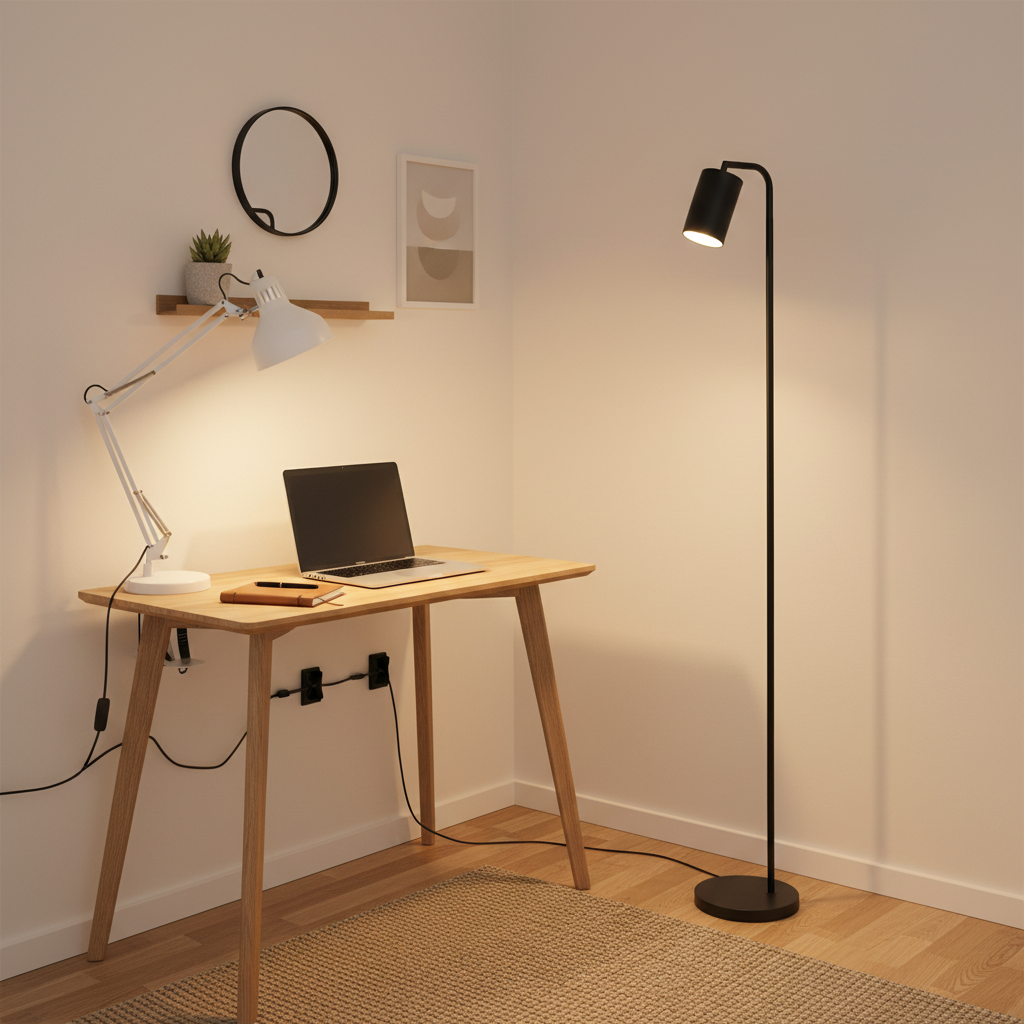
These are practical home office lighting ideas work well because they respect the room you actually have, not the room you wish you had.
Step-by-step: a 20-minute lighting tune-up
If you want a quick reset, do this once, then tweak over a couple workdays.
- Step 1: Turn on your usual lights, open a bright document on screen, then look for reflections on the monitor.
- Step 2: Move the desk lamp to the side and lower it until the beam hits the desk, not your eyes.
- Step 3: Add or turn on a soft light behind the monitor, keep it dim at first.
- Step 4: Adjust ambient light so the room isn’t dramatically darker than the screen.
- Step 5: Check your webcam view, if your face is shadowy, add a small front-facing light at eye level.
Key takeaway: you’re aiming for comfortable, even light, not a “bright as possible” desk.
Common mistakes (and what to do instead)
- Putting a lamp behind the monitor facing you: it feels bright but increases eye strain, aim it at the wall for bias light.
- Mixing very warm and very cool bulbs: the room looks odd and camera color shifts, keep bulbs in a similar range.
- Using one overhead light as the only source: creates glare and shadows, add at least one task light.
- Ignoring dimming: fixed brightness locks you into one mood, a dimmable lamp gives you control.
If you feel persistent headaches, dizziness, or visual discomfort even after adjusting glare and brightness, it may be worth checking with a healthcare professional, since lighting is only one possible factor.
Conclusion: a simple lighting plan you can actually keep using
Good lighting won’t magically make you love every task, but it removes a steady stream of small annoyances, squinting, glare dodging, and that drained feeling after calls. Build a layered setup, control reflections, and pick bulb settings that match your work hours.
If you take two actions this week, make them these: add a proper task lamp and set up soft bias lighting behind your monitor. Those two changes usually deliver the biggest comfort-per-dollar without turning your home into a studio.
FAQ
What are the best home office lighting ideas work for people who wear glasses?
Glasses often amplify glare, so prioritize light placement: keep windows to the side, avoid bare overhead bulbs, and use a desk lamp aimed at the work surface. Bias lighting behind the monitor can also reduce harsh contrast.
Should my home office light be warm or cool for productivity?
Many people focus well with neutral to cool light during the day and warmer light at night. If you work late, cooler light might keep you alert but can feel uncomfortable, try a dimmer or shift warmer after dinner.
How do I reduce monitor glare without buying new equipment?
Rotate the desk so the screen is not facing a window, lower or switch off the overhead light, then move your desk lamp to the side and angle it down. A simple curtain adjustment often makes a bigger difference than a new bulb.
Is an LED light strip behind the monitor actually helpful?
In many setups, yes, it’s a practical way to add bias lighting and reduce eye fatigue from screen-to-room contrast. Keep it dim and even, the wall glow is the goal.
How bright should my desk lamp be for writing and reading?
Bright enough that paper looks clear without forcing you to lean in, but not so intense that it creates a hotspot. A dimmable lamp helps because the “right” level changes with daylight and room lighting.
What lighting works best for Zoom or Teams calls at home?
Place a soft light in front of you near eye level, then keep the background slightly darker than your face. If you have a bright window behind you, you’ll likely need to lower the window light or add a stronger front fill.
Can lighting affect sleep if I work at night?
It can for some people. If late-night work is routine, consider warmer light in the evening and avoid very bright cool light close to bedtime, and if sleep issues persist, a clinician can help you sort out contributing factors.
If you’re setting up a new workspace and want a more “set it and forget it” approach, focus on a small kit: an adjustable task lamp, a dimmable ambient lamp, and a simple bias light behind the monitor, it’s usually enough to cover most home office lighting needs without overbuying.