
Small home office ideas for tiny spaces usually come down to two things: making a clear “work zone” and choosing furniture that earns its footprint. If your desk is wedged by the bed, the dining table is doing double duty, or you keep hunting for a charger, you are not alone.
This topic matters because a cramped setup tends to create two quiet problems: you stop using the space consistently, and your body starts paying for it. The good news is you do not need a spare room to get a real office feel, you need smarter placement, vertical storage, and a couple of “rules” that reduce friction.
One quick myth to drop: “tiny” does not automatically mean “messy.” Most messy micro-offices are missing a home for paper, cables, and daily tools, so the desk becomes storage. This guide focuses on layouts that actually fit, plus small upgrades that make work feel calmer.
Start with the space you really have (not the space you wish you had)
Before buying anything, measure two things: the wall length where a desk could go, and how far a chair can pull back without blocking a walkway. In many apartments, the walkway is the real constraint, not the desk width.
- Choose your “anchor surface”: a desk, wall-mounted worktop, or a slim console table. Your office becomes believable when one surface stays work-ready.
- Watch door swings and drawers: a drawer that hits the bed is a drawer you will stop using.
- Claim a visual boundary: a small rug, a wall color block, or a pinboard can separate work from life without adding bulk.
According to OSHA, neutral wrist posture and proper monitor height reduce strain risk in computer work. You do not need perfection, but you do want your setup to avoid obvious pain triggers, especially in tight quarters.
Layout ideas that work in real tiny homes
These small home office ideas for tiny spaces are less about aesthetic trends and more about clearing movement paths and keeping essentials within reach.
1) The corner command post
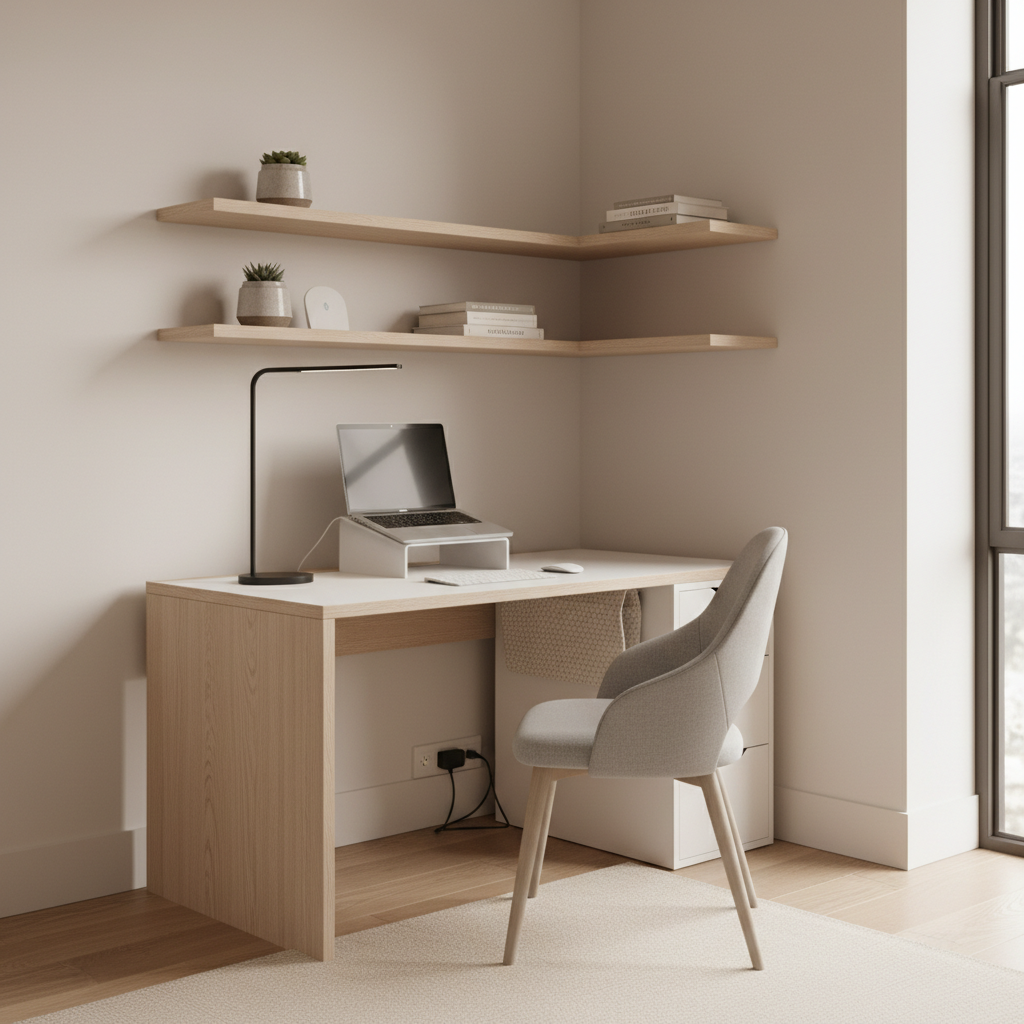
A corner desk or a straight desk tucked into a corner uses “dead” area and frees the center of the room. If you add one wall shelf above, you often eliminate the need for a bulky file cabinet.
2) The wall-mounted “floating” desk
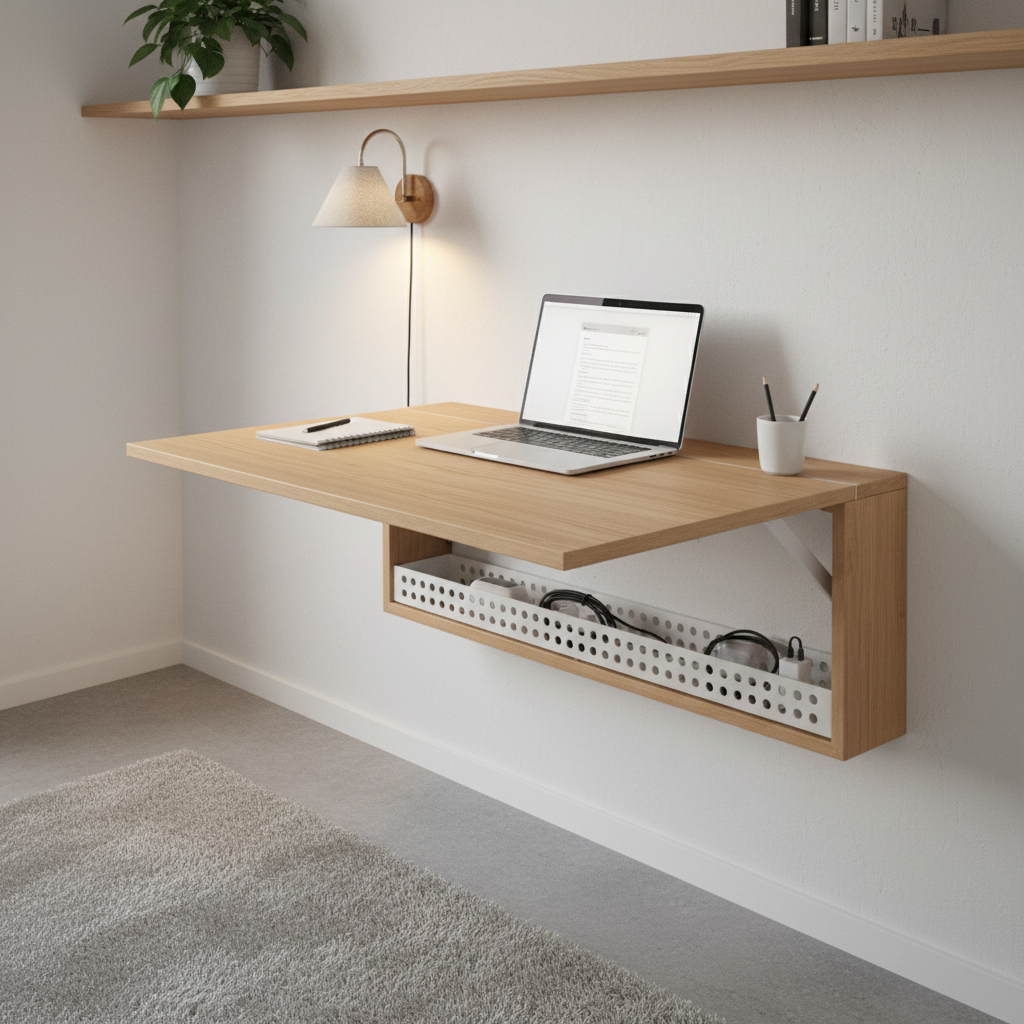
Wall-mounted worktops work well in studio apartments because you gain legroom and visual air. Just verify studs and weight ratings, and if you are renting, consider a freestanding ladder desk instead of drilling.
3) The closet office (cloffice)
If you have a closet you can partially sacrifice, a shallow desktop and a small lamp can create a hidden work zone. The key is airflow and lighting, plus keeping cords tidy so the closet does not become a snag hazard.
4) The dining-table hybrid (done right)
If the table must stay multifunctional, build a “grab-and-go office kit” that sets up in under 60 seconds: laptop stand, compact keyboard, mouse, and a pouch for chargers. That habit alone keeps clutter from snowballing.
Furniture that saves space without feeling flimsy
In tight rooms, you want pieces that do more than one job, but still feel stable. Wobbly desks and collapsing chairs are where many people regret “space-saving” purchases.
- Narrow desk depth: Many people do fine with a shallower desk if they use a monitor arm or laptop stand to reclaim surface area.
- Armless chair or slim task chair: Easier to tuck in fully, which matters if your “office” sits in a bedroom walkway.
- Mobile storage: A rolling cart can hold printer supplies, cables, and notebooks, then slide under the desk or into a closet.
- Vertical shelving: One tall shelf often beats three small ones, less visual clutter, better capacity.
If you are placing anything heavy on a wall, use the right anchors or consult a handyman, especially in older buildings where drywall quality varies.
Storage that prevents “desk-as-a-junk-drawer” syndrome
When your workspace is tiny, storage needs to be immediate and obvious. If putting something away takes more than one step, it tends to stay out.
- One tray rule: Keep one small tray for daily items, pen, notepad, AirPods, charger. Everything else gets a home off the desk.
- Wall space earns priority: Pegboards, rail systems, and shelves store bulk without eating floor space.
- Paper strategy: Decide whether you are “mostly digital” or “paper necessary.” If paper is necessary, add a vertical file holder so stacks stop forming.
- Cable containment: Mount a power strip under the desk, then route cords along the back edge. Even simple clips help.
Small home office ideas for tiny spaces often fail because cables and paper are treated like afterthoughts, but they are the first things that make a setup look chaotic.
Lighting, sound, and comfort: the upgrades you actually feel
In a cramped room, comfort issues show up faster. Bad light creates eye fatigue, and noise makes you avoid calls. You do not need a full remodel, but you do need a plan.
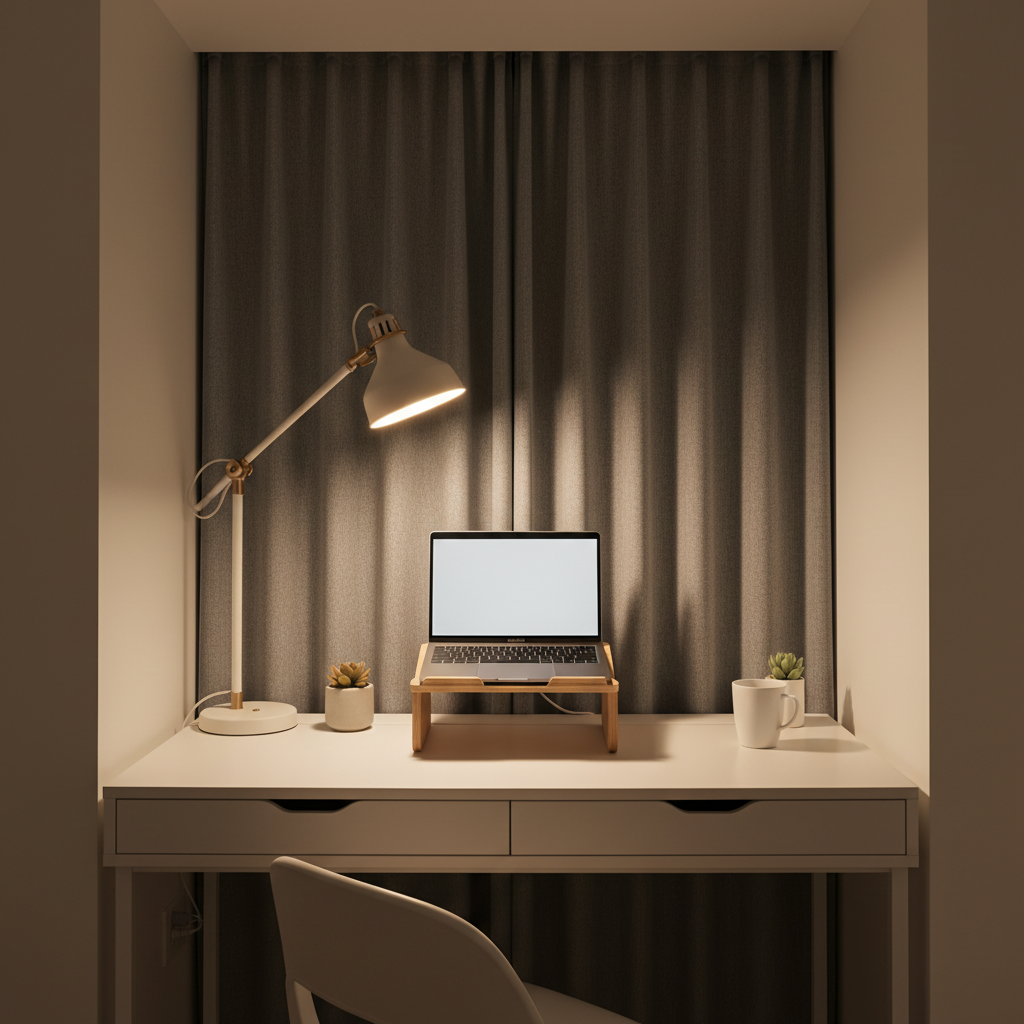
- Task light beats overhead light: A small adjustable lamp reduces shadows and makes the corner feel intentional.
- Window positioning: Side light is usually easier than backlight for video calls, and it reduces screen glare.
- Rug or curtain for sound: Soft materials can reduce echo in hard-surface apartments.
- Monitor and laptop height: Raise the screen so you are not constantly looking down, your neck will notice.
According to CDC guidance on ergonomics, setting up your workstation to support neutral postures can help lower discomfort over time. If you have persistent pain, it is smart to consult a qualified professional, since small adjustments may not be enough.
Quick self-check: what type of tiny office problem do you have?
If you feel stuck, you probably have one dominant bottleneck. Identify it and the fix becomes simpler.
- “No surface” problem: You lack a dedicated place to work. Fix: add a small desk, floating desk, or a consistent table zone with a pack-away kit.
- “No storage” problem: Your desk is holding everything. Fix: add vertical storage, a cart, or under-desk bins.
- “No comfort” problem: You can work, but you hate it. Fix: chair height, screen height, lighting, foot support.
- “No boundaries” problem: Work bleeds everywhere. Fix: visual boundary, end-of-day reset, and a box that hides work items.
Practical setups by budget (use this table to pick a path)
Here is a realistic way to choose upgrades without overbuying. Mix and match based on what you already own.
| Budget level | Best for | What to prioritize | Skip for now |
|---|---|---|---|
| Under $75 | Dining-table hybrid, temporary setups | Laptop stand, compact keyboard/mouse, cable clips, small tray | Big storage furniture |
| $75–$250 | Corner or wall-adjacent desk setup | Slim desk, task lamp, one vertical shelf or rolling cart | Oversized chair |
| $250–$600 | Daily work-from-home in a studio or bedroom | Stable desk, ergonomic chair, monitor arm or external monitor, storage system | Extra decor that steals space |
Common mistakes (and what to do instead)
- Buying the smallest desk possible: Too small can force clutter. Instead, go slim but functional, and reclaim space with vertical storage.
- Ignoring chair clearance: If you cannot slide in easily, you will avoid the desk. Test the pull-back distance.
- Putting the screen in a glare zone: You will squint and shift all day. Rotate the setup or add a simple shade.
- Adding storage without rules: More bins can become more mess. Decide what lives where, then label if needed.
- Leaving it “almost set up”: A tiny office needs a 2-minute reset routine, clear surface, cables tucked, tomorrow’s essentials ready.
Key takeaways you can act on this week
- Pick one anchor surface that stays work-ready, even if it is small.
- Use walls before floors, shelves, pegboards, and under-desk mounts beat bulky cabinets.
- Fix the friction points that make you quit, lighting, screen height, and cable mess usually win.
- Choose a layout that protects walking paths, corner setups and wall-mounted options often work best.
Conclusion: make tiny feel intentional, not temporary
The best small home office ideas for tiny spaces are the ones you will use every day without negotiating with clutter. Pick a layout that respects movement, give your essentials a home, then upgrade comfort where you feel it most, light, screen height, and a chair you do not dread.
If you want an easy starting point, measure one spot today, decide on one anchor surface, and set up a simple “close down” routine tonight so tomorrow begins with a clear desk.